VideosHow Canonry works
Open source and local first
Install Canonry from npm, keep every answer and metric in a SQLite file you own, and use your own AI provider keys.
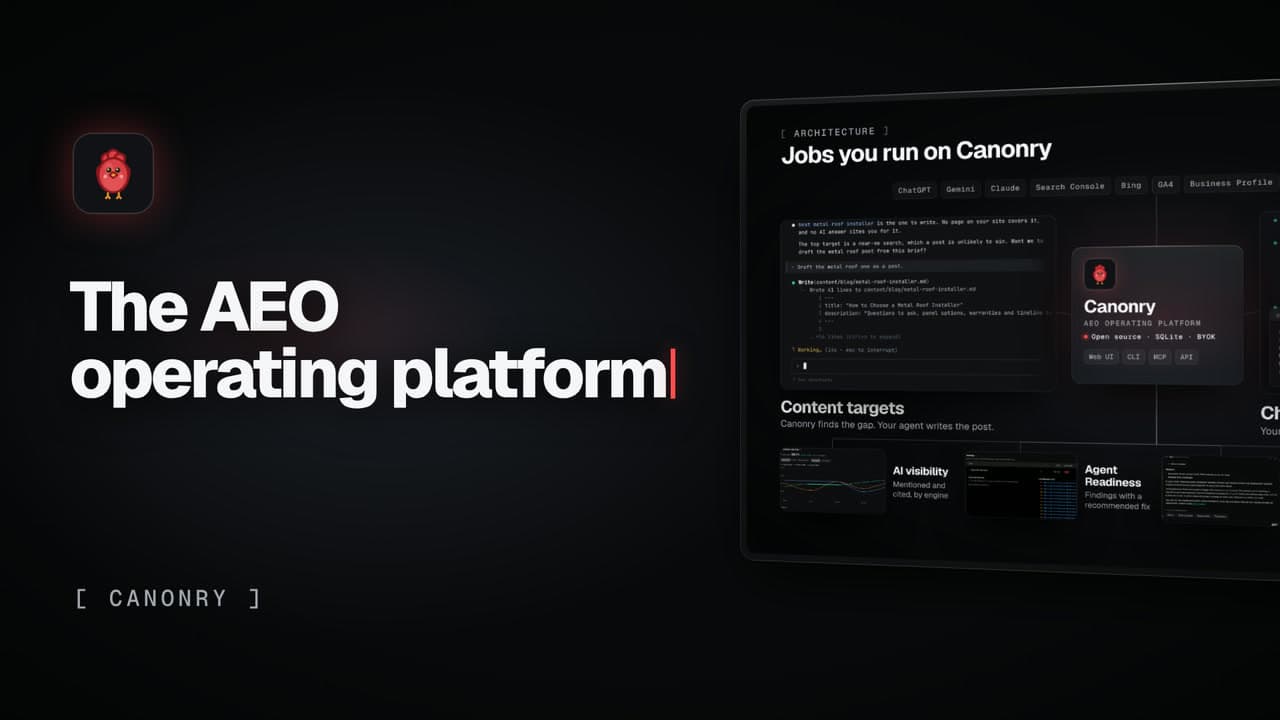
Canonry is open source (MIT) and local first. Install it from npm, keep every answer and metric in a SQLite file on your machine, and use your own AI provider keys.
What the video shows
- npm install -g @canonry/canonry, then cnry bootstrap
- Every answer and metric in one SQLite file you own (~/.canonry/data.db)
- Your own OpenAI, Gemini and Anthropic keys in config.yaml
- The full dashboard on localhost
- MIT licensed, on GitHub
On-screen text
Open source and local first
Self-hostedInstall from npm. It runs on your machine.
SQLiteEvery answer and metric, in one file you own
BYOKYour own OpenAI, Gemini and Anthropic keys
Local firstThe full dashboard, on localhost
Open sourceMIT licensed, on GitHub
Canonry. The open-source AEO operating platform.
Run Canonry yourself
Canonry is free software (MIT). You pay your own AI providers for the answers it checks. Install it from npm, then run cnry bootstrap.
npm install -g @canonry/canonry