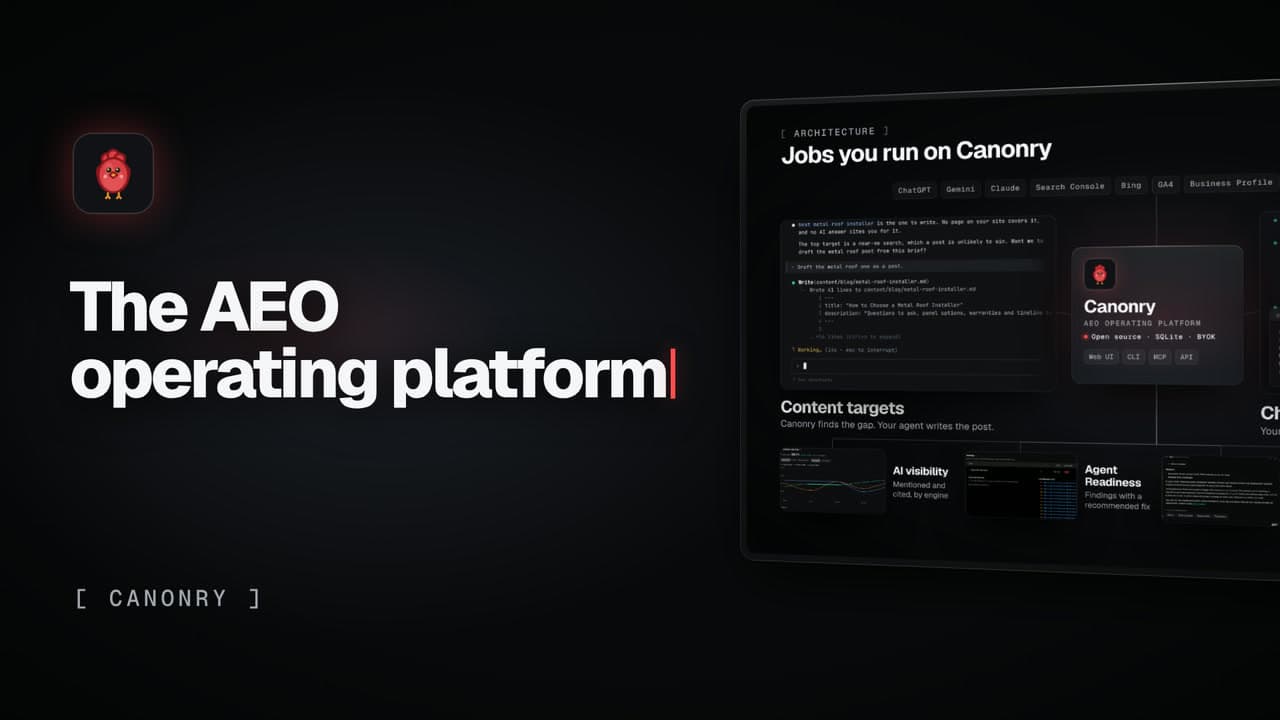
VideosHow Canonry works
Run ChatGPT ads from your agent, with a human approval gate
Your agent builds the campaigns paused. Nothing goes live until a person approves it.
Canonry shows the buyer questions where AI answers name a competitor instead of you. Your own agent can then create ChatGPT ad campaigns for those questions through Canonry. New campaigns always start paused, and nothing goes live until a person approves it with a separate approver key.
What the video shows
- Start with your site and one line about the business
- The evidence: answers that name a competitor, not you
- Your agent writes ad groups from those questions
- New campaigns are always created paused
- Going live takes a person’s approval, on a separate approver key
- It launches only what you approved
- Every step leaves a receipt, and one command pauses a campaign
On-screen text
Jobs you run on Canonry
ChatGPT ads. Your agent builds them paused. You approve the launch.
SetupStart with your site and one line
EvidenceChatGPT names a competitor instead of you
Ad groupsYour agent writes ad groups from those questions
PausedNew campaigns are always created paused
ApprovalGoing live takes a person’s approval
LaunchIt launches only what you approved
ReceiptsEvery step leaves a receipt
Pause any campaign with one command
Canonry. The open-source AEO operating platform.
Run Canonry yourself
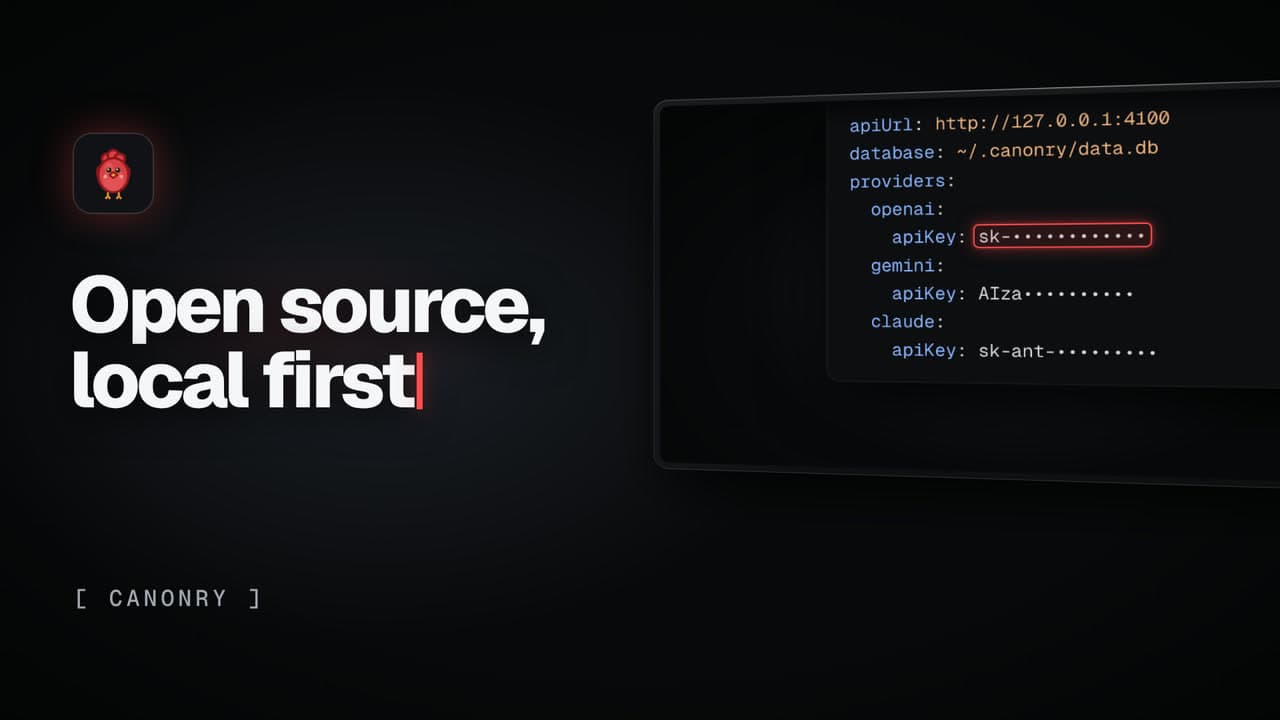
Canonry is free software (MIT). You pay your own AI providers for the answers it checks. Install it from npm, then run cnry bootstrap.
npm install -g @canonry/canonry