VideosHow Canonry works
Ask Aero, the analyst inside Canonry
Aero reads your saved sweeps, tells you when a change is noise, and gives you one next step.
Aero is the analyst built into Canonry. Ask it what changed and it reads your saved sweeps, tells you when a change is within normal run-to-run noise, shows who gets named instead of you, and gives one next step. In the demo, Aero replays sample answers.
What the video shows
- Ask Aero what changed
- Aero reads your saved sweeps
- It tells you when a change is noise
- Who gets named instead of you
- One next step, with a link
On-screen text
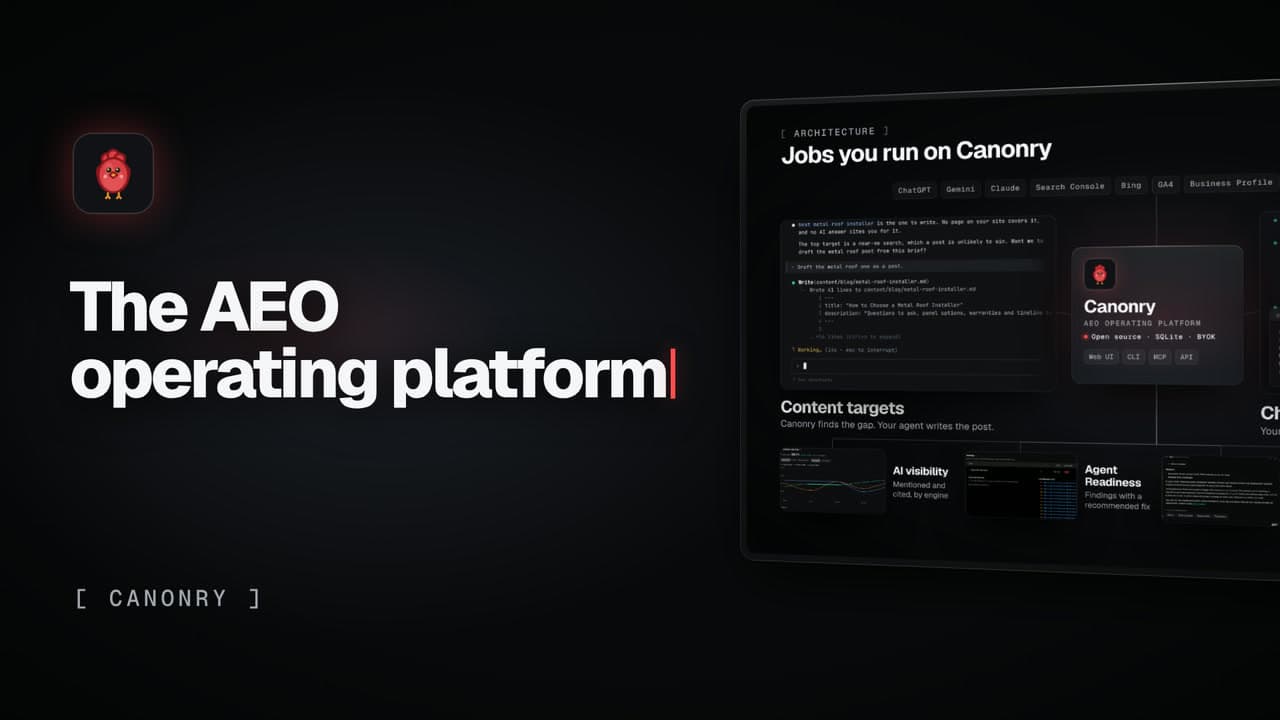
Jobs you run on Canonry
Ask Aero
AeroThe analyst inside Canonry
What changedAero reads your saved sweeps
MentionsIt tells you when a change is noise
Biggest gapsWho gets named instead of you
NextThen one next step, with a link
Canonry. The open-source AEO operating platform.
Run Canonry yourself
Canonry is free software (MIT). You pay your own AI providers for the answers it checks. Install it from npm, then run cnry bootstrap.
npm install -g @canonry/canonry