VideosHow Canonry works
Find what AI agents can’t read, then let your agent fix it
Canonry’s Agent Readiness audit finds the failed check. Your agent drafts the fix as a pull request for you to merge.
Canonry’s Agent Readiness audit checks how well AI agents and answer engines can read your site, and lists each failed check with the affected pages and a recommended fix. Your own agent, such as Claude Code or Codex, reads the finding over the CLI or MCP, makes the change, and opens a draft pull request for you to merge.
What the video shows
- Canonry checks 205 pages
- A schema check fails
- Your agent reads the finding and drafts the fix as a pull request
- The fix adds one schema property
- A person marks it ready and merges it
- Some fixes need answers only you have
On-screen text
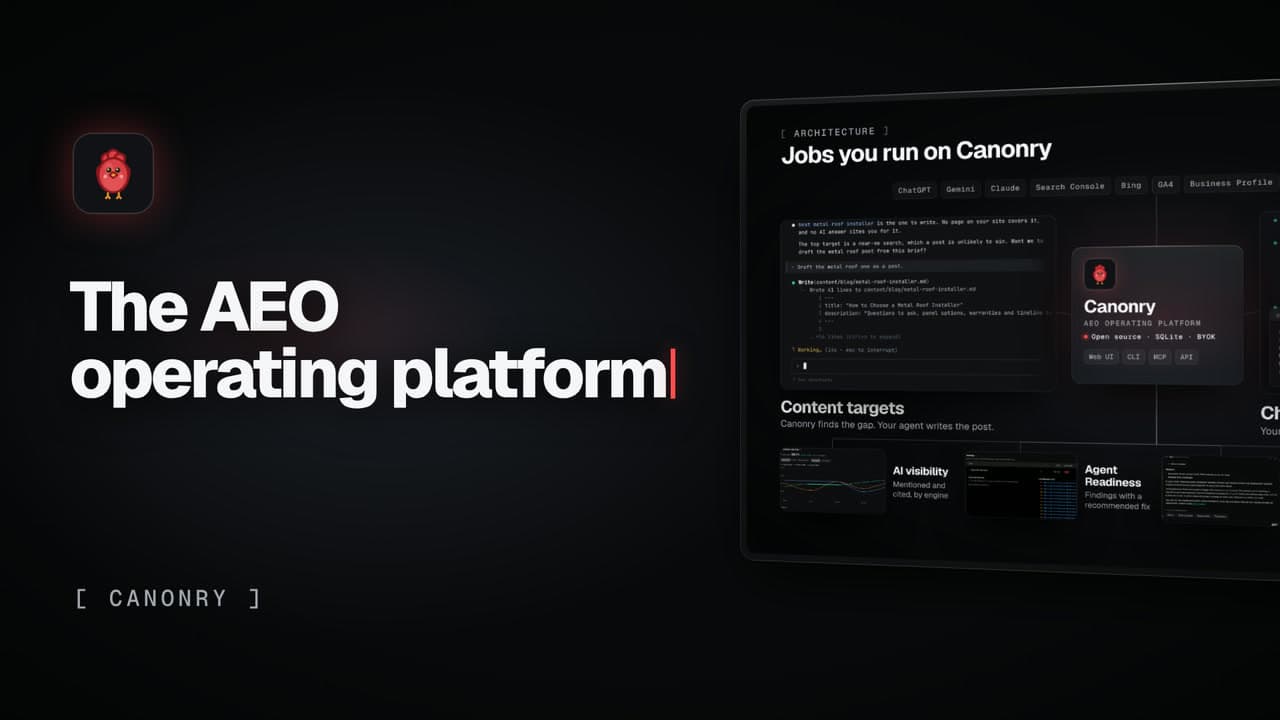
Jobs you run on Canonry
Agent Readiness. Canonry finds what AI agents can’t read. Your agent fixes it.
Agent ReadinessCanonry checks 205 pages
FindingA schema check fails
Your agentReads the finding, drafts the fix
Files changedThe fix adds one schema property
ReviewA person marks it ready
ReviewAnd merges it
Your callSome fixes need answers only you have
Canonry. The open-source AEO operating platform.
Run Canonry yourself
Canonry is free software (MIT). You pay your own AI providers for the answers it checks. Install it from npm, then run cnry bootstrap.
npm install -g @canonry/canonry